


 Website migration
Change platform without losing the rankings you have earned.
Most websites lose traffic when they move, and it is almost always avoidable. We map every existing URL, carry your content across, set up redirects and launch with no downtime, so the authority you have built stays with you.
- Every URL mapped
- Redirects in place
- No downtime
What is a website migration?
A website migration is moving a site to a new platform, domain or structure while preserving its content, URLs and search rankings.
The move itself is the easy part. What causes damage is everything around it: URLs that change without redirects, meta data that does not come across, internal links pointing at pages that no longer exist. Search engines re-evaluate the whole site, and if the trail from old to new is broken, years of accumulated ranking goes with it. Doing it properly is mostly bookkeeping, which is exactly why it gets skipped.
- Every URL accounted for
- Mapped before anything moves
- Redirects, not guesses
- A 301 for every old page
- Staged first
- Tested before it is live
What a careful migration protects.
The traffic you already have is the cheapest traffic you will ever get.
-
Your search rankings
A 301 from every old URL tells search engines the page moved rather than vanished.
-
Your backlinks
Links other sites have built to you keep their value instead of landing on a 404.
-
Your content
Posts, pages, images and metadata come across intact, not copy-pasted and half-lost.
-
Your customers
Accounts, orders and bookmarks keep working through the switch.
-
Your analytics history
Tracking reconnected so you can actually compare before and after.
-
Your launch day
Staged and tested first, cut over at a quiet hour, nothing visible to visitors.
What usually goes wrong.
The difference between a migration and a relaunch that quietly costs you a year of SEO.
| Area | Planned migration | Typical rushed replatform |
|---|---|---|
| Old URLs | Every one mapped and redirected | Whatever the new platform generates |
| Rankings | Carried across with the redirects | Reset, and slow to recover |
| Content | Migrated with metadata intact | Copy-pasted, meta data lost |
| Launch | Staged, tested, cut over quietly | Pushed live and fixed afterwards |
| Broken links | Found and fixed before launch | Found by customers |
| Analytics | Reconnected and annotated | A gap in the data nobody can explain |
How we run a migration.
The same process whether you are moving one page or ten thousand.
Plan my migration- Full crawl of the old site Every URL, title, meta description and inbound link recorded.
- URL mapping Old to new, page by page, agreed with you before anything moves.
- Content migration Pages, posts, images and metadata moved into the new CMS.
- Redirect rules A 301 for every changed URL, tested in staging.
- Staging and QA The new site tested on a temporary domain before it goes anywhere near your domain.
- DNS cutover Scheduled for a quiet hour, with the old site kept ready.
- Post-launch monitoring Crawl errors, rankings and 404s watched for the first month.
Migration makes sense when…
-
The platform is the problem
Slow, fragile, or expensive to keep patched.
-
Editing is painful
Every content change needs a developer.
-
You are rebranding
New domain, new name, and the old authority must follow.
-
You have outgrown it
More pages, more languages or more products than the platform handles.
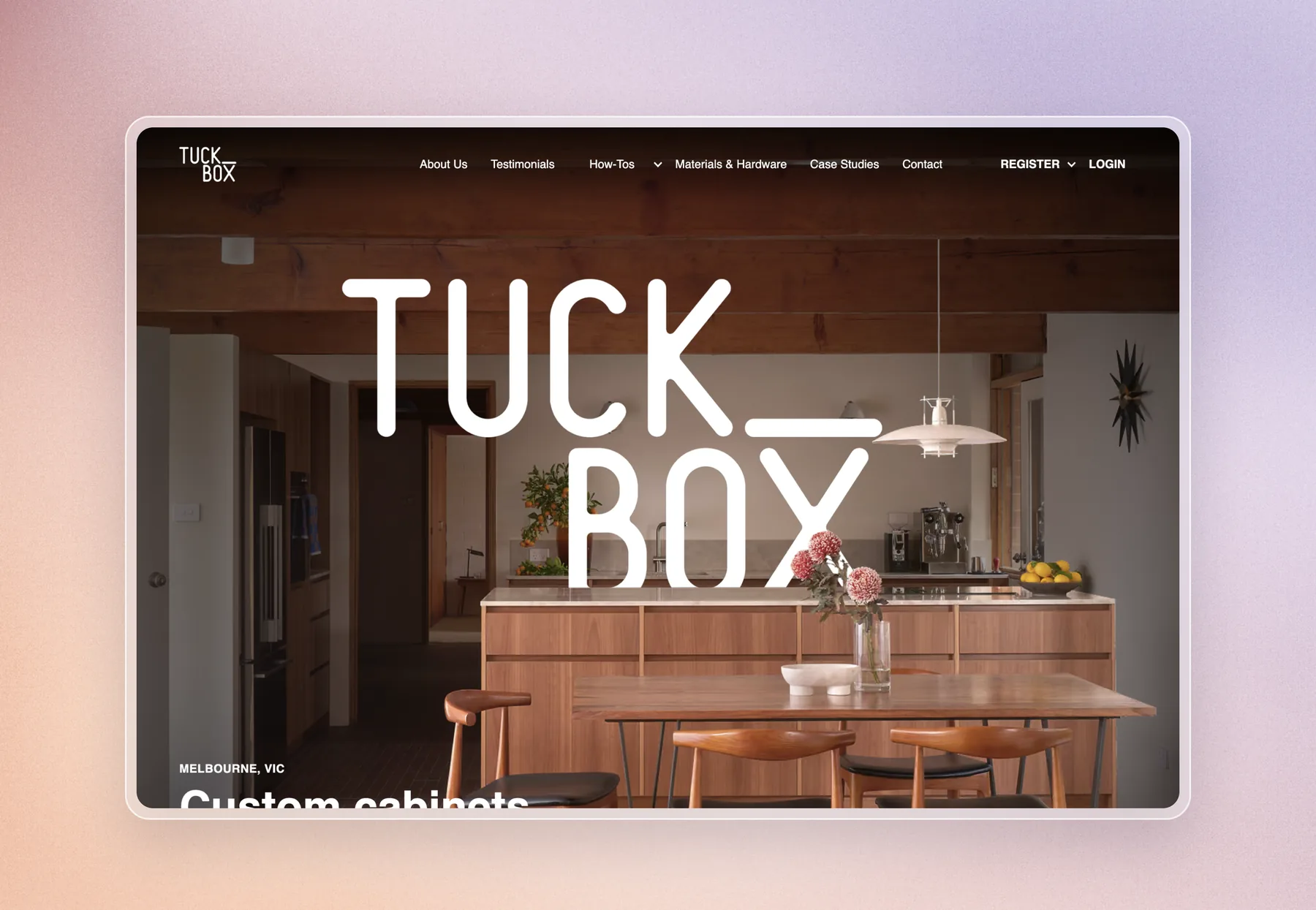
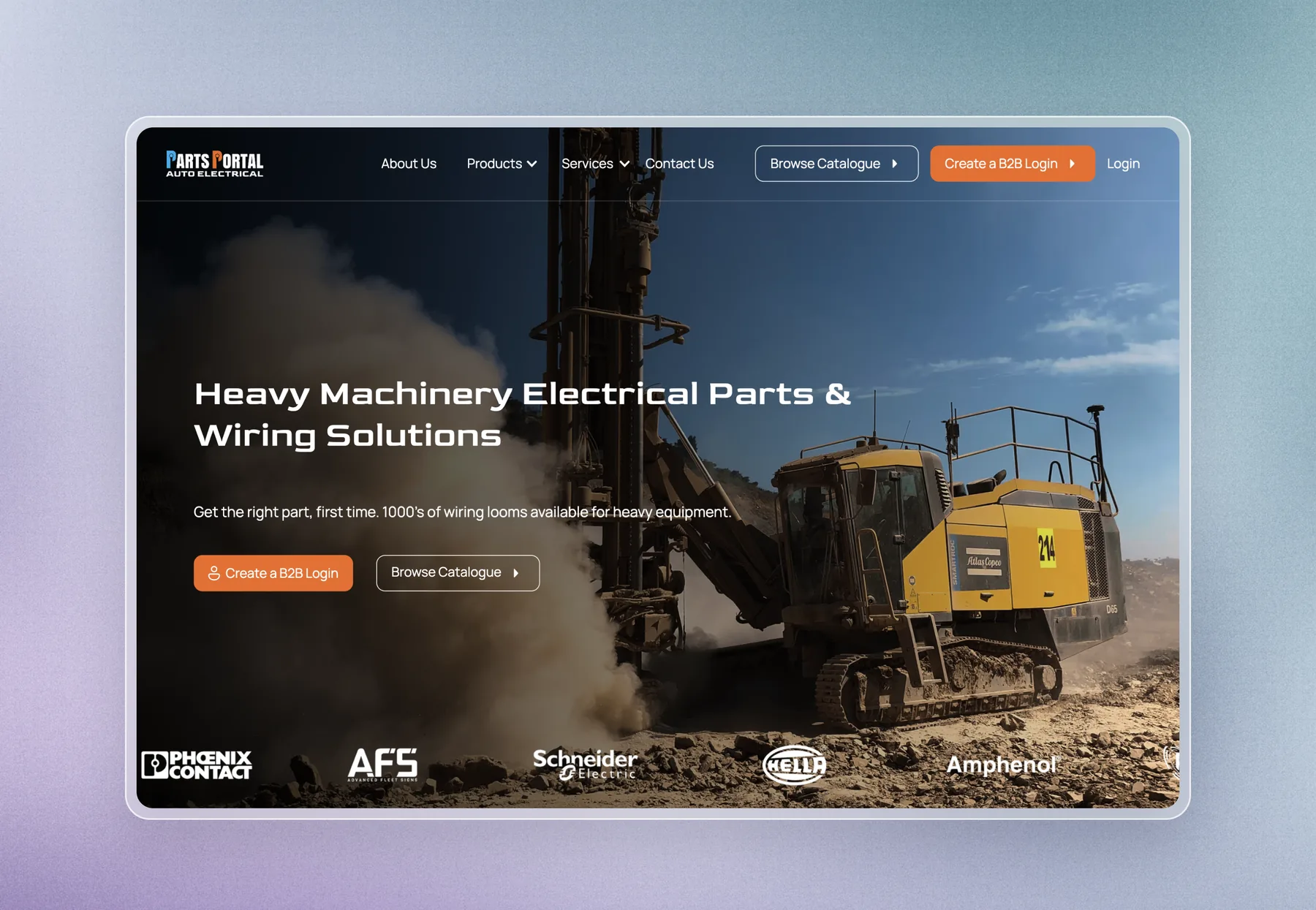
Sites rebuilt and moved.
Replatformed without losing the search position they came with.
Explore our other services.
Updated
Will I lose my search rankings if I change platform?
Not if the migration is done properly. Rankings are lost when old URLs stop resolving. Map every old URL to its new equivalent, put a 301 redirect in place, and search engines carry the authority across.
How long does a website migration take?
Two to six weeks for most sites, on top of building the new one. The crawl and URL mapping happen early; the cutover itself takes an evening.
Will my website go down during the migration?
No. The new site is built and tested on a temporary address first. We switch DNS at a quiet hour, and the old site stays available until the new one is answering everywhere.
What happens to my blog posts and images?
They come across with their titles, meta descriptions, alt text and publish dates intact, into the new CMS structure.
Can you migrate from WordPress to Webflow or Astro?
Yes. Those are the two most common moves we do. WordPress to Webflow suits teams who want to keep editing easily; WordPress to Astro suits content-heavy sites where speed and search matter most.
What if some old pages should not exist any more?
We redirect them to the closest relevant page rather than dropping them, so any inbound links and residual authority still land somewhere useful.
Do you handle domain changes too?
Yes. A domain change is the same process with more care, redirects at the domain level, search console change-of-address, and closer monitoring afterwards.
Custom Astro websites. Built on Cloudflare.
Plyo Studio is an independent web studio that designs and builds fast, search-ready websites, web apps and interactive maps. Sites are custom-built in Astro and hosted on Cloudflare, so they load quickly and are easy for search engines and AI answer engines to read.
Founded by Chloe Nixon, a full stack developer and UI/UX designer from Australia, and Micky, a software engineer from New Zealand. Clients work directly with the founders from the first call to launch. Typical work: custom websites, migrations off Webflow, WordPress, Wix and Squarespace, web apps, and interactive maps and GIS. Projects are quoted at a fixed price before work starts.