


 AI & automation
Automation that removes real work, not demo work.
Most AI projects fail because they start with the technology. We start with the task your team does fifty times a week, then wire the tools you already run together, adding AI only where it genuinely does the job better.
- Built on your existing tools
- Measured in hours saved
- You keep control
What is business automation?
Business automation is connecting the systems you already use so information moves between them without a person copying it, with AI handling the steps that need judgement rather than rules.
Most of what gets called AI automation is really plumbing. An enquiry arrives, someone retypes it into the CRM, someone else copies it into a spreadsheet, and a third person writes a reply from scratch. Each step is small; together they are a day a week. Automation removes the retyping, and AI handles the parts that used to need a human to read something and decide.
- Starts with the task
- Not with the technology
- Uses what you own
- No rip and replace
- Keeps a human in it
- Where judgement matters
What automation is actually worth.
Measured in hours returned, not features shipped.
-
Time back, every week
The repetitive work that fills a day nobody planned for.
-
Fewer mistakes
Data entered once, moved by machine, not retyped three times.
-
Faster responses
Enquiries triaged, routed and acknowledged in seconds rather than hours.
-
Growth without headcount
Handle more volume without the admin scaling at the same rate.
-
Knowledge that is findable
Your documents and history made searchable by question, not keyword.
-
Honest scope
If a workflow should not be automated, we will tell you.
How a built automation compares.
Against the no-code tools most businesses try first, which are often the right answer.
| Area | Built by Plyo | No-code automation tool |
|---|---|---|
| Simple A-to-B tasks | Overkill. Use the no-code tool | Exactly what it is for |
| Complex branching logic | Handled in code, readable and testable | Becomes an unmaintainable canvas |
| Per-task pricing | None. It runs on your infrastructure | Costs climb with volume |
| Custom AI steps | Any model, any prompt, with guardrails | Limited to the integrations offered |
| When it breaks | Logged, alerted and debuggable | A failed run in a dashboard |
| Who can change it | A developer | Anyone. Which cuts both ways |
How we approach automation.
Starting with one workflow that matters, proving it, then expanding.
Get a quote- Workflow mapping What happens now, who touches it, and where the time actually goes.
- Opportunity sizing Which steps are worth automating, ranked by hours returned.
- Integration work CRM, email, accounting, forms and databases connected properly.
- AI where it fits Summarising, classifying, drafting and extracting, with the model chosen per task.
- Guardrails Human review on anything that goes out under your name.
- Monitoring and alerting You find out when something fails, not your customer.
- Documentation What runs, when, and what to do when it does not.
Automation is worth it when…
-
Someone retypes data daily
The same information entered into two or three systems.
-
Enquiries pile up
Triage and first response taking hours it should not.
-
Reporting eats a day
Numbers assembled by hand from several places every month.
-
Knowledge is buried
The answer exists in a document nobody can find quickly.
Platforms with automation behind them.
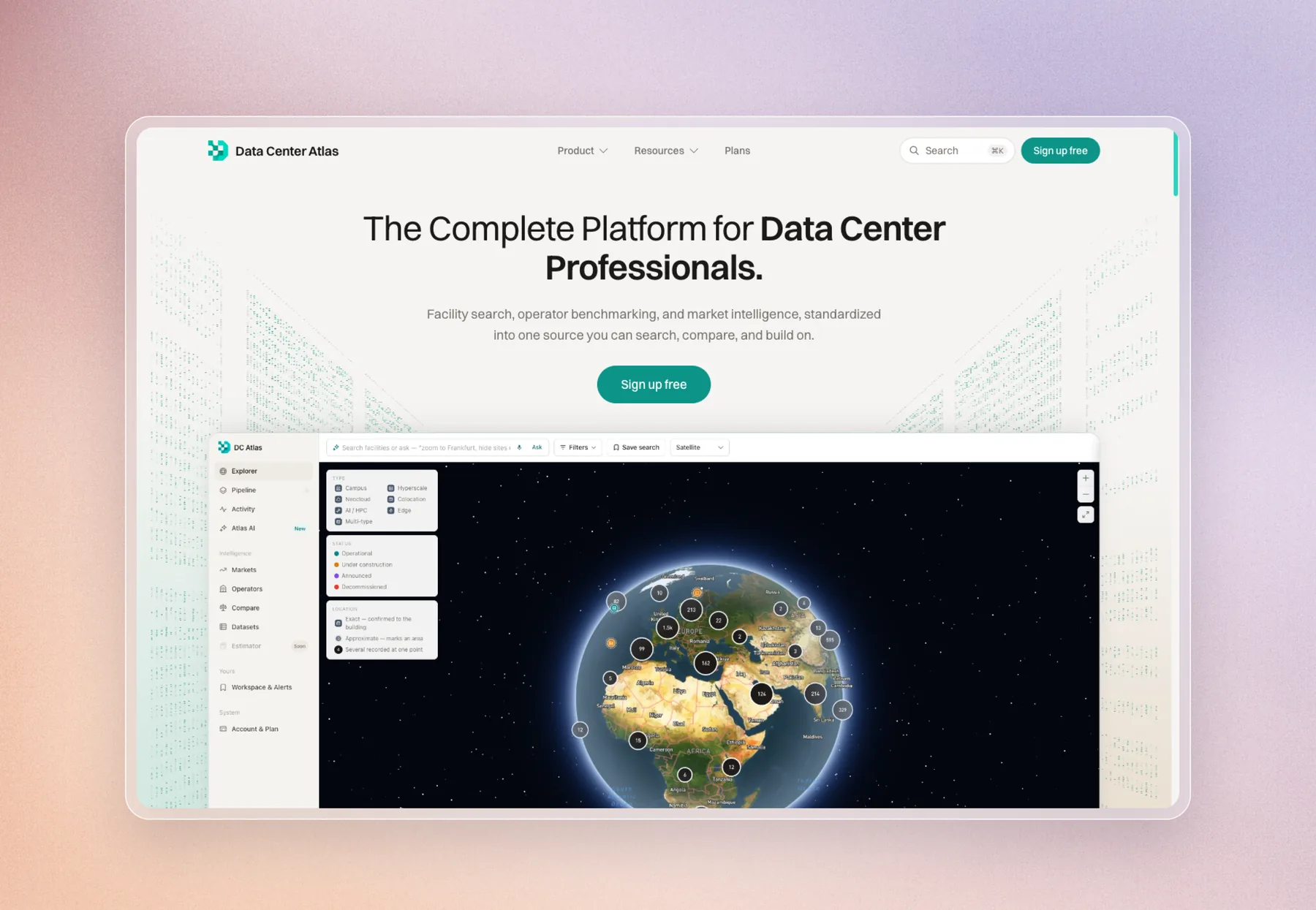
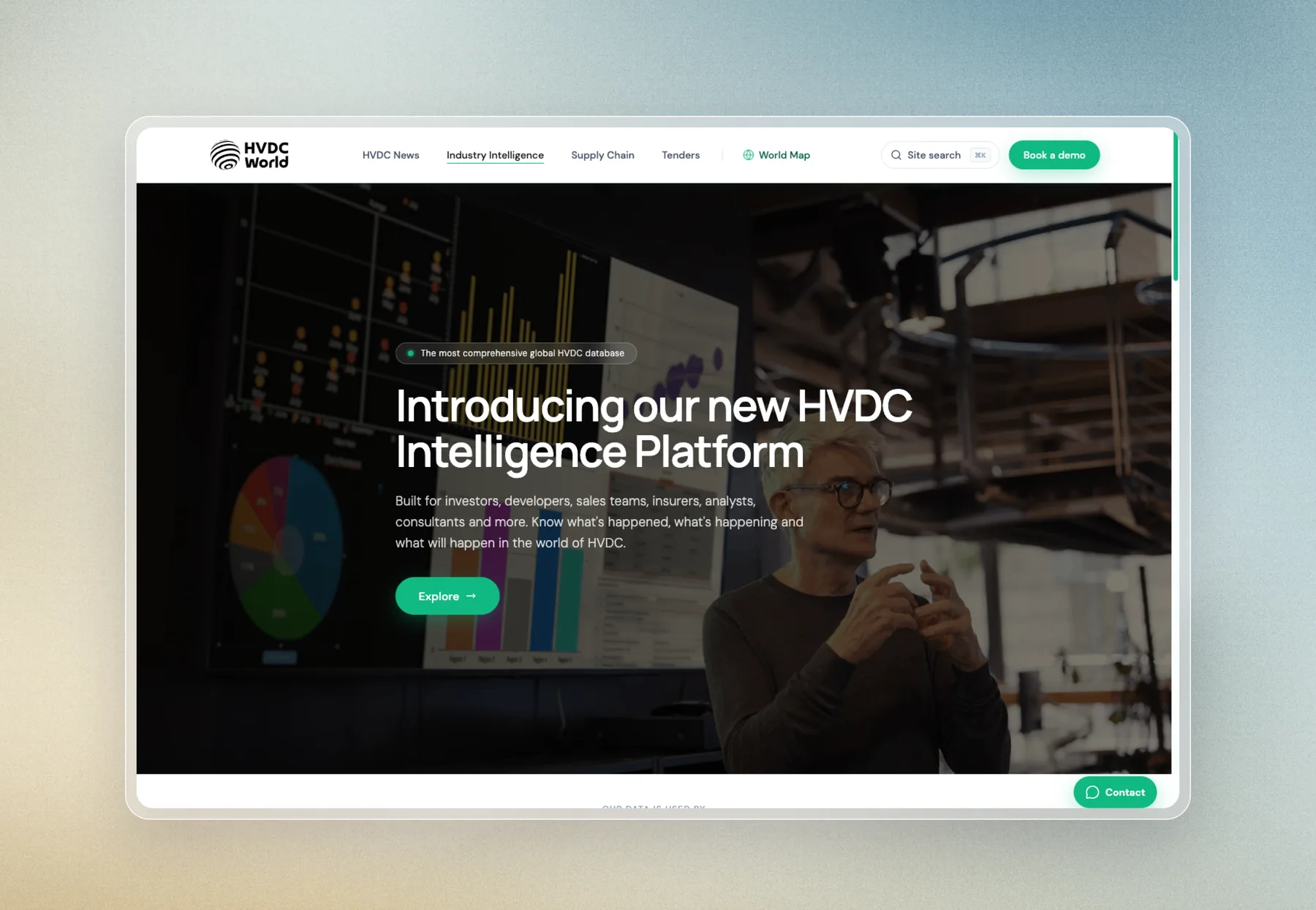
Data pipelines and integrations doing the work nobody sees.
Explore our other services.
Updated
What can AI actually automate in a business?
The steps that need reading and judgement rather than fixed rules: triaging and routing enquiries, summarising long documents, extracting data from invoices or PDFs, drafting first-pass replies, and classifying incoming work. The rest is integration, moving information between systems without a person retyping it.
Do I need AI, or just automation?
Usually just automation. If the rule can be written down, you do not need a model to apply it, and a rule is cheaper, faster and more predictable. AI earns its place where a human currently has to read something and decide.
How much does an automation project cost?
A single well-chosen workflow starts in the low thousands. Broader integration work across several systems costs more. We size it against the hours it returns, so the payback is visible before you commit.
Will AI make mistakes?
Sometimes, yes. That is why anything going out under your name keeps a human in the loop, and why we build in logging and review steps rather than trusting a model blindly.
Can you work with the tools we already use?
Yes. That is the usual brief. CRMs, email, accounting, forms, spreadsheets and databases. If it has an API, it can generally be connected.
Is our data safe?
We scope what data each step actually needs and keep it to that. Where a model is involved we choose providers with business terms that exclude your data from training, and we will tell you plainly what goes where.
What if we already use Zapier or Make?
Keep them. They are genuinely good for simple A-to-B tasks and far cheaper than a custom build. We get involved when the logic has outgrown the canvas, when per-task pricing has become painful, or when you need a step those tools do not offer.
Custom Astro websites. Built on Cloudflare.
Plyo Studio is an independent web studio that designs and builds fast, search-ready websites, web apps and interactive maps. Sites are custom-built in Astro and hosted on Cloudflare, so they load quickly and are easy for search engines and AI answer engines to read.
Founded by Chloe Nixon, a full stack developer and UI/UX designer from Australia, and Micky, a software engineer from New Zealand. Clients work directly with the founders from the first call to launch. Typical work: custom websites, migrations off Webflow, WordPress, Wix and Squarespace, web apps, and interactive maps and GIS. Projects are quoted at a fixed price before work starts.